
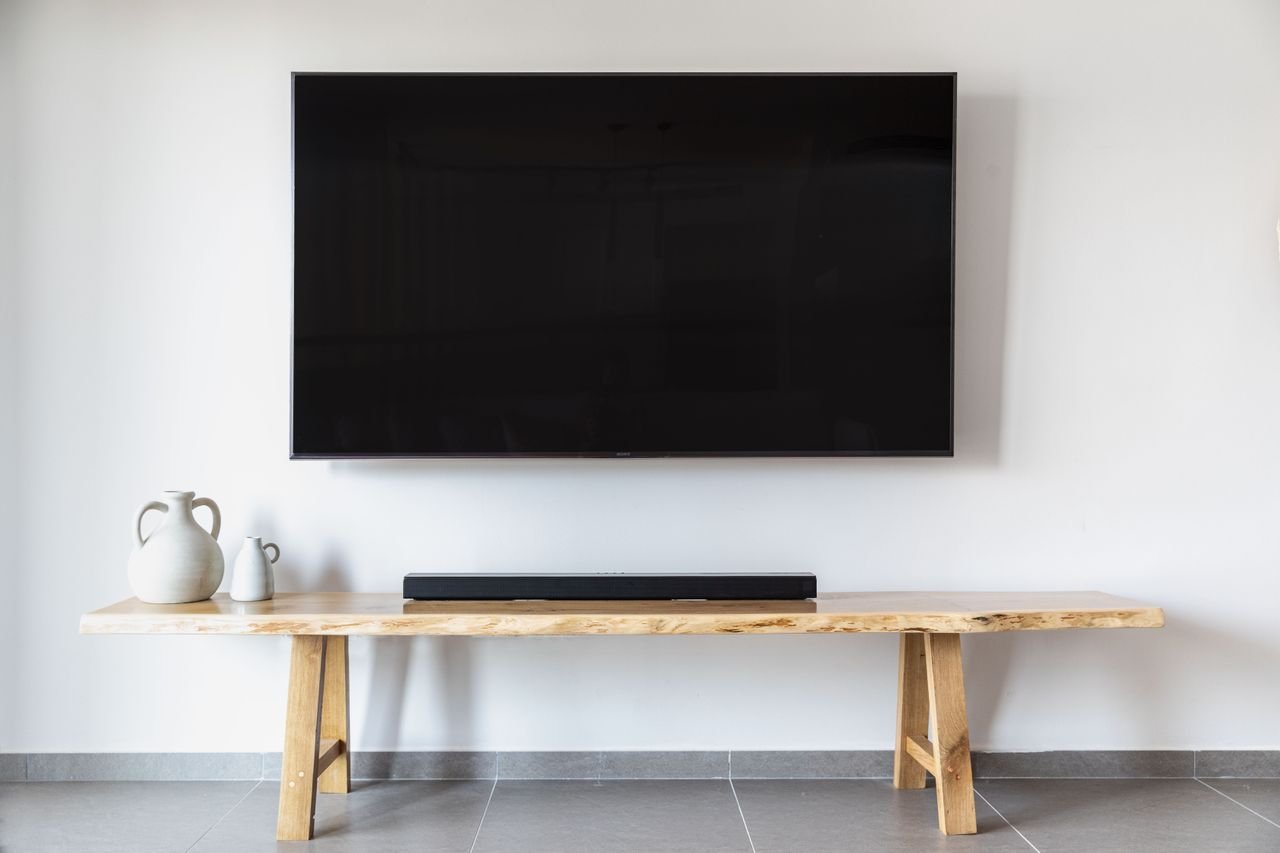

“Black 100 x 100” almost always refers to a black VESA 100x100mm monitor or TV mount — the standard bracket for attaching a display to a wall mount, desk arm, or stand. The “100 x 100” is the mounting-hole pattern measured in millimeters; “black” is simply the finish. If you searched this term, you’re probably shopping for a mount or checking whether your monitor fits one.
The phrase has a few other legitimate meanings — 100x100mm tiles, square camera filters, and 100×100-pixel graphics — and we’ll cover those too. But the VESA mount is what nine out of ten searchers are after.
What “100 x 100” Means: The VESA Standard
VESA (Video Electronics Standards Association) defines the hole patterns on the backs of displays. VESA MIS-D 100 — commonly written “100×100” — means four threaded mounting holes arranged in a 100mm square (just under 4 inches per side). It uses M4 screws. The pattern is usually stamped near the holes or listed in your display’s specifications as “VESA 100 x 100mm.”
To check your own display, measure the horizontal and vertical distance between the centers of the mounting holes. If both are 100mm, any 100×100-compatible mount will bolt straight on. You can read the full standard breakdown in Ergotron’s VESA mount guide, published by one of the best-known mount manufacturers.
Which Monitors and TVs Use 100×100
The 100×100 pattern is the most common VESA size on computer monitors, especially models from about 19 to 32 inches. Many smaller TVs (typically up to 32 inches) use it as well. Larger televisions step up to 200×200, 400×400, or bigger patterns — always check the specs rather than guessing from screen size, because two 32-inch displays can use different patterns.
Displays with no VESA holes at all (some curved or ultra-thin models) can sometimes be adapted with a third-party VESA adapter bracket, but that’s a separate purchase — worth knowing before you order a mount.
Choosing a Black 100 x 100 Mount
Once you’ve confirmed the 100×100 pattern, pick the mount type that fits how you work:
- Fixed mounts — the slimmest and cheapest; the display sits flat against the wall. Best when you always view from the same spot.
- Tilting mounts — add a few degrees of up/down tilt to cut glare. A good middle ground for bedrooms and offices.
- Full-motion arms — extend, swivel, and rotate. Ideal for desks, corner setups, and anyone who shares a screen.
- Desk stands and clamp arms — no drilling required; they clamp to the desk edge or stand on a weighted base.
Pay more attention to the weight rating than to the “fits up to X inches” claim — a heavy 27-inch monitor can exceed a black 100 x 100 mount’s limit while a light 32-inch one stays within it. Check your display’s weight (without its original stand) against the mount’s maximum load, and leave some headroom.
Mounts are sold by electronics retailers, office-supply stores, and home-improvement chains. Before paying full price, it’s worth checking our guide to Home Depot’s price-match policy — the same comparison habit saves real money on brackets, tools, and mounting hardware.
Other Things “Black 100 x 100” Can Mean
Outside the world of displays, the same dimensions pop up in a few other places:
- 100x100mm black tiles — 10x10cm square tiles, a classic size for kitchen backsplashes, bathroom walls, and mosaic-style floors. “Black 100 x 100” in a tiling context means the tile size and color, not a mount.
- 100x100mm square camera filters — the standard size for slot-in ND and graduated filters used in landscape photography. They’re usually described by their optical properties rather than color, but the dimensions match.
- 100×100-pixel graphics — a common size for icons, avatars, and thumbnails. A “black 100 x 100” image file is simply a 100-pixel square filled with black, often used as a placeholder or background tile.
Ambiguous search terms like this one are surprisingly common — we also decoded what “PO” means across its many different contexts, from business to medicine. When a phrase could mean several things, the surrounding context (mounts, tiles, photography, design) tells you which one applies.
Frequently Asked Questions
What does 100×100 VESA mean?
It’s a mounting-hole standard: four holes in a 100mm x 100mm square on the back of a display, using M4 screws. Any mount labeled 100×100 (or VESA MIS-D) will fit.
Will a black 100 x 100 mount fit my monitor?
If your monitor’s specs list “VESA 100x100mm” — or you measure 100mm between the mounting holes — yes. Also confirm the mount’s weight rating covers your display.
What screws do I need for a 100×100 VESA mount?
M4 screws, typically 10–12mm long (plus spacers if your display’s back is curved). Most mounts include a set, but check the box before you start.
Is black the only color for 100×100 mounts?
No — silver, white, and gray mounts exist, but black is by far the most common finish, which is why the search term almost always includes it.
The Bottom Line
“Black 100 x 100” means a black VESA 100x100mm display mount in the vast majority of cases. Confirm your display’s hole pattern, match the mount’s weight rating to your screen, and choose fixed, tilting, or full-motion based on how you actually use the display. For the minority searching tiles, filters, or pixel graphics — the same numbers, a different product.